Your maintainer dashboard
The Dashboard tab in Maintainers is a quick look at what has moved in your repositories over the last seven days, and what happened most recently. Use it to spot issues that need you, then go to Issues to act.
Open it
Switch to MAINTAINER in the header and open Maintainers. Dashboard is the first tab.
The numbers cover the repositories ticked in Select repositories. All of them are ticked when the page opens; untick some to look at fewer. For each repository, the dashboard reads its 50 most recently updated issues and its 50 most recently updated pull requests.
The seven-day cards

Each card is labelled Last 7 days and counts issues or pull requests that changed in that time.
| Card | What it counts |
|---|---|
| Repository Views | Not counted yet. It always shows 0. |
| Issue Views | Issues that were updated in the last seven days. It is not a count of page views. |
| Issue Applications | All comments on those issues. Applications are comments, so they're included, and so is any other discussion. |
| Pull Requests Opened | Pull requests updated in the last seven days that are still open. |
| Pull Requests Merged | Pull requests updated in the last seven days that have been merged. |
Read the numbers, not the small percentage under each one. It isn't a comparison with the week before.
Last activity
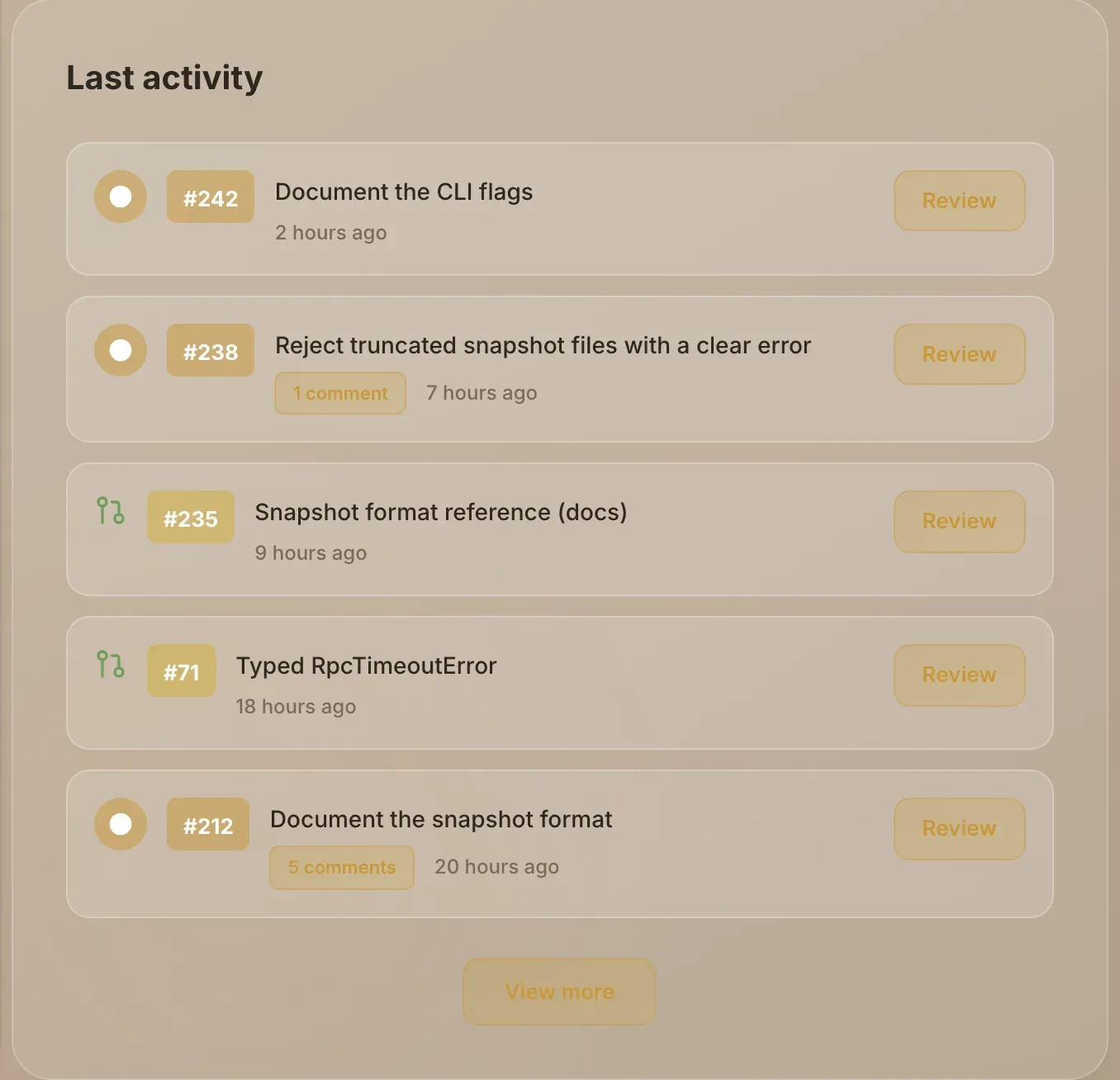
Last activity lists your most recently updated issues and pull requests, newest first. Each row shows the number, the title and how long ago it changed. Pull requests are marked open, merged or closed by the colour of their icon; issues show how many comments they have.
- Choose an issue to open it in the Issues tab, where you can read applications and act on them.
- Choose View more to see up to 20 items, and Show less to go back to five.
When something doesn't load
If one repository can't be read, the dashboard says Couldn't load all dashboard data from and names it; the numbers leave it out. If none can be read, the dashboard shows an error with Try again. A repository whose GitHub connection has been removed can't be read: see Keep projects in sync.