Search
Search finds projects, open issues and people on Grainlify by name. Use it when you already know roughly what you're looking for, rather than filtering Browse.
Open search
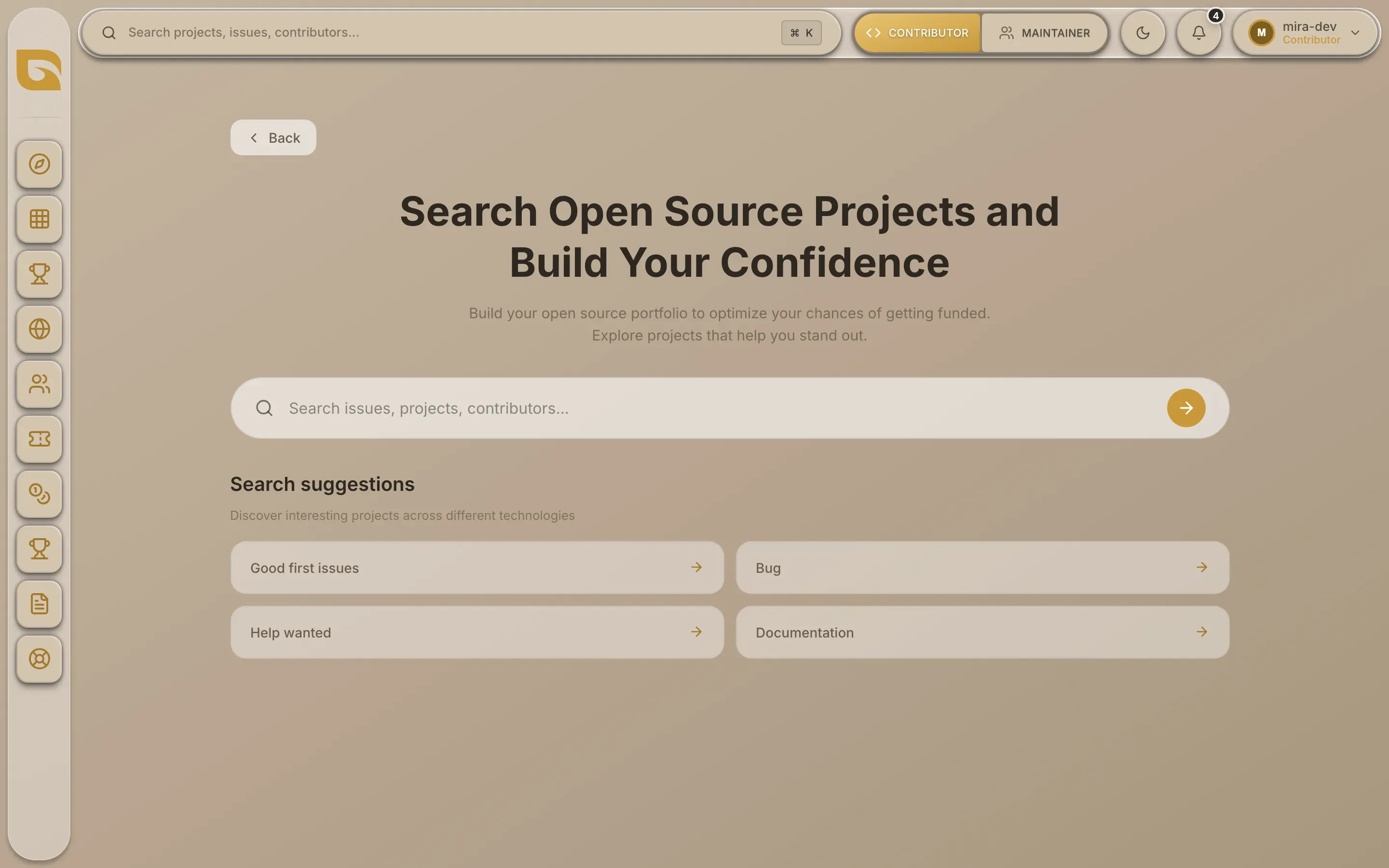
- From the header. Choose the search bar at the top of any dashboard page.
- From the keyboard. Press Cmd+K on a Mac, or Ctrl+K on Windows and Linux. It works from any dashboard page.
- On a phone. Open the menu and choose Search.

Search opens as its own page, with the cursor already in the box.
Search
-
Type at least two characters. Results appear as you type, after a short pause. One character searches nothing.
-
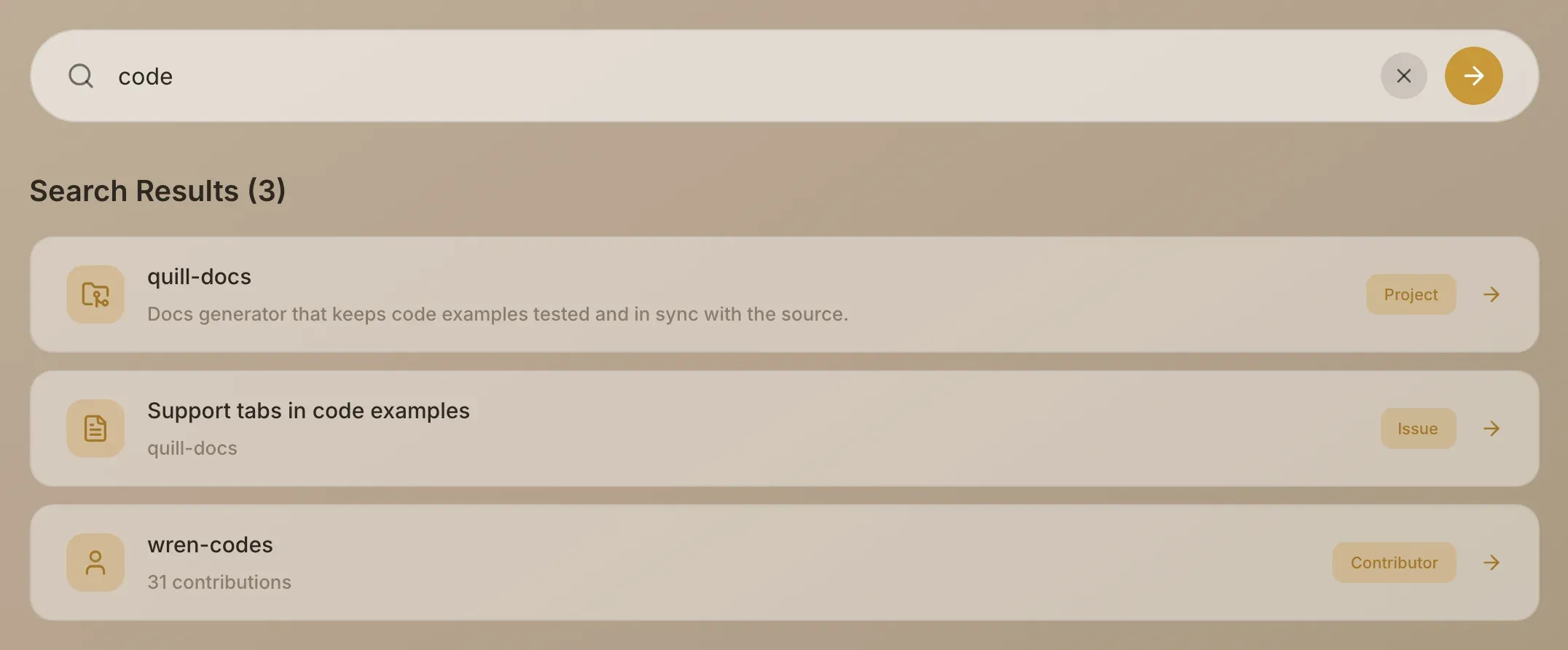
Read the results. They're listed under Search Results, with the number found. Each result is labelled Project, Issue or Contributor.
-
Choose a result. It opens where you'd expect:
| Result | What it matches | Shows under the name | Opens |
|---|---|---|---|
| Project | The repository's name, including its owner, or its description | The description, or the ecosystem if there's no description | The project page |
| Issue | The title of an open issue | The repository it belongs to | The issue page |
| Contributor | A GitHub username | How many issues and pull requests they've opened on listed projects | Their profile |
Matching ignores capitals and finds your text anywhere in the name, so wallet finds solana-wallet-adapter. Each type returns up to eight results: projects with the most stars first, issues most recently updated first, and contributors with the most contributions first.
Search only covers what's listed on Grainlify. Closed issues aren't included. A person appears under Contributor once they've opened an issue or pull request on a listed project.
Before you type
With the box empty, the page shows Search suggestions. Choosing one fills the box with that text and searches for it, the same as typing it.
If nothing comes back
- "No results found" means nothing listed matches. Try fewer characters, or part of a name.
- "Search is temporarily unavailable" means the search itself failed. Try again in a moment.
Choose Back to return to Discover.