Discover
Discover is the page you land on when you sign in. It shows the most active projects on Grainlify and open issues from them, so there's always somewhere to start. Open it any time from Discover in the rail.
The list is the same for everyone. It isn't matched to your profile, your languages or your history.
Recommended Projects
Recommended Projects shows up to eight organisations whose projects have the most contributors, meaning people who have opened issues or pull requests on them. Each organisation gets one card, even if it has several repositories on Grainlify.
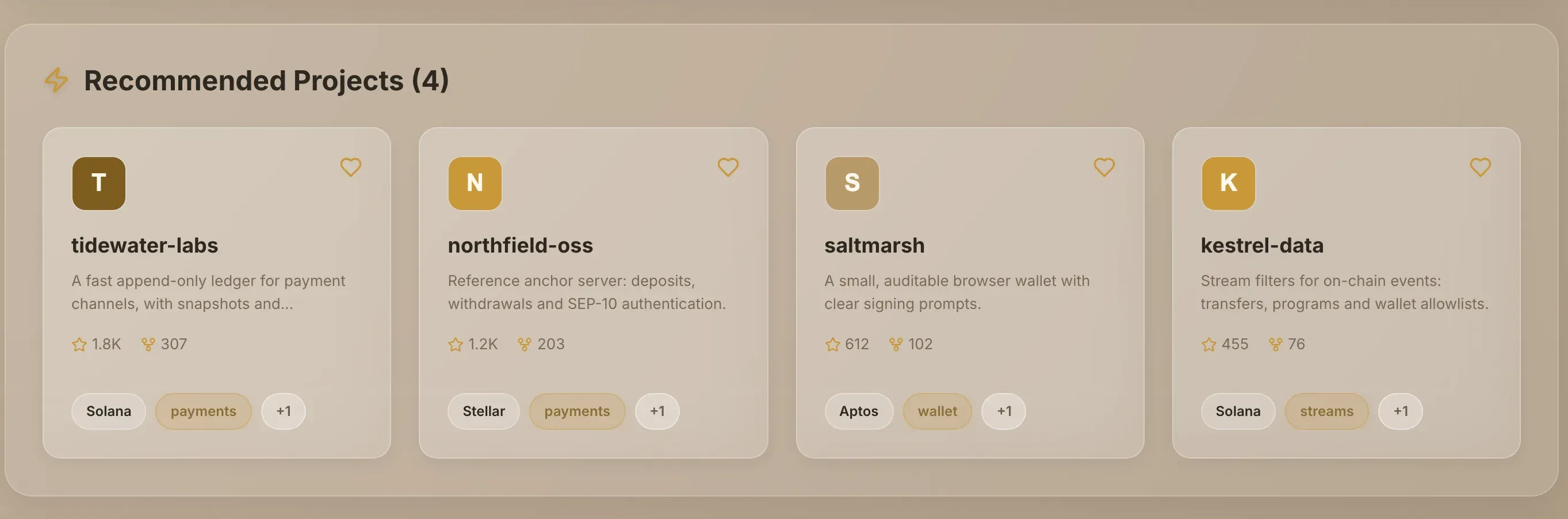
Each card shows the organisation's name, star and fork counts, and up to two labels: the project's ecosystem and its tags.
Choose a card to open the organisation's page. It lists all of that organisation's repositories on Grainlify, with its stats and reviews. Pick a repository there to open its project page.
Recommended Issues
Recommended Issues shows open issues from those projects. It starts with six, taking the two most recently updated from each project.
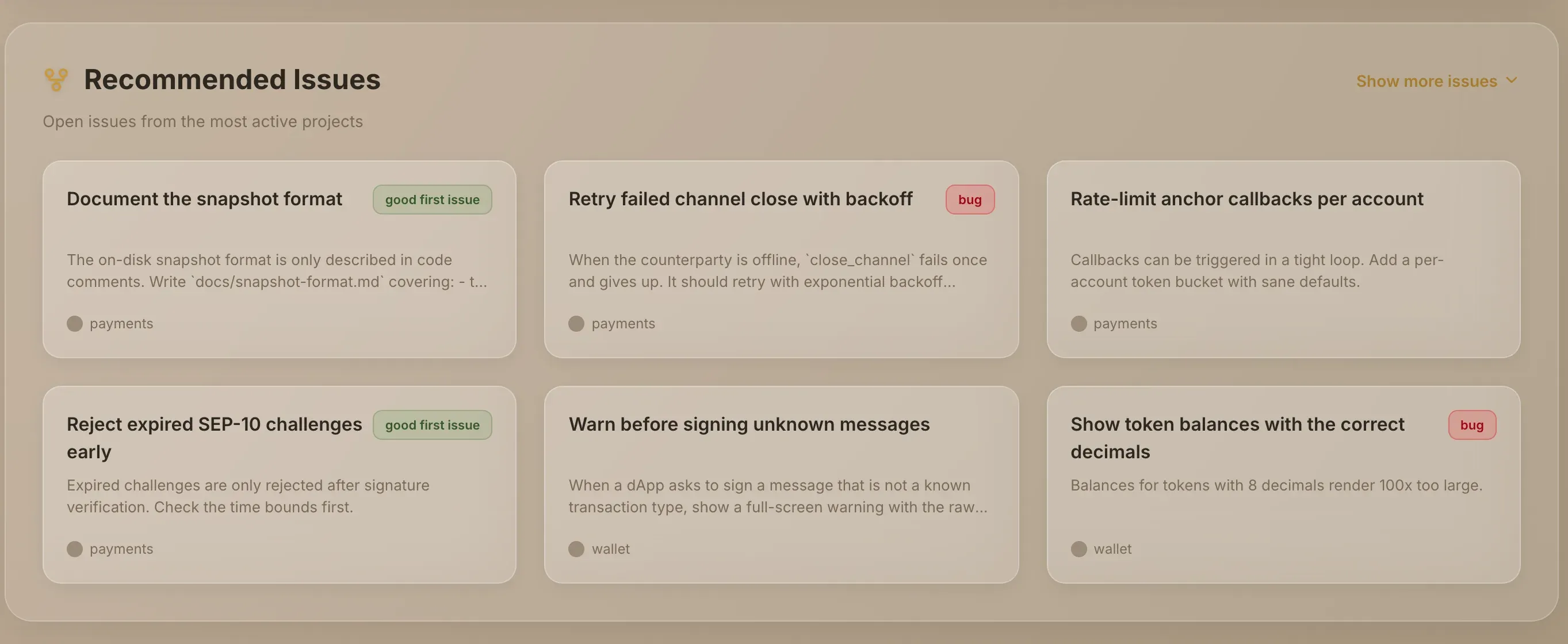
Each issue card shows the issue's title and the start of its description. If the issue carries one of these GitHub labels, the card shows it as a tag: good first issue, bug, enhancement, feature, performance or a11y. The tag comes from the maintainer's own label on GitHub. Grainlify doesn't add a difficulty rating of its own.
- Scan the cards. A good first issue tag is the maintainer's signal that an issue suits someone new to the project.
- Want more? Choose Show more issues. The list grows in place, up to 40 issues and five from each project. It doesn't take you to another page.
- Open an issue. Choose a card to open the issue page, where you can read the discussion and apply.
Join the GrainHack
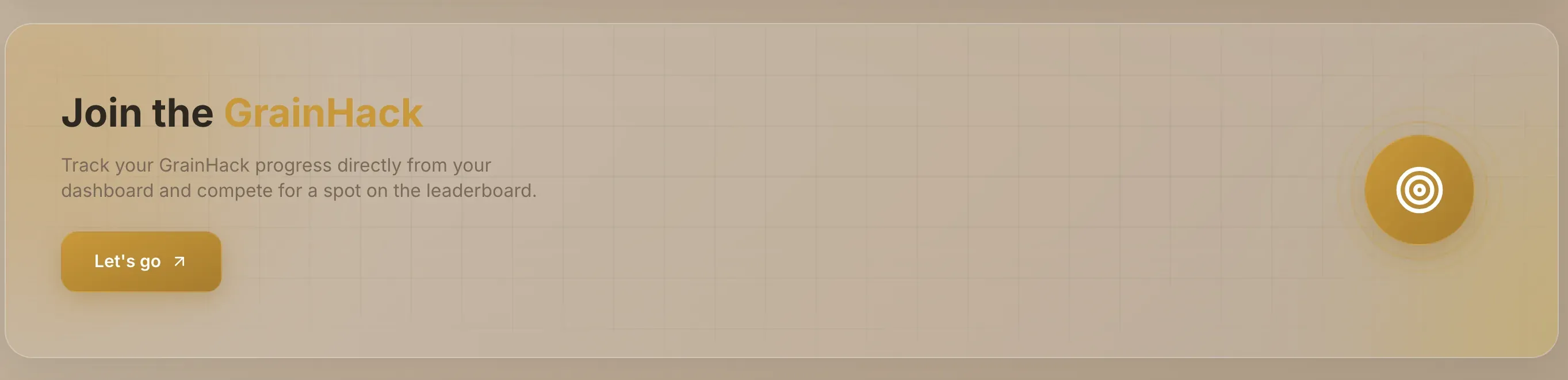
The Join the GrainHack card sits above the recommendations. Choose Let's go to open the GrainHack page, which lists live events. GrainHack issues are assigned by a weighted draw rather than chosen by a maintainer: What GrainHack is explains how it works.
If something doesn't load
- "No recommended projects found" means no projects are available to show right now. Try Browse instead.
- "No recommended issues found" means the recommended projects have no open issues at the moment.
- If a section fails to load, it says so and offers Try again. If only some projects' issues failed, a line under the issues names them.
Other ways to find work
- Browse lists every project, with filters for language, ecosystem, category and tag.
- Ecosystems groups projects by the community they belong to.
- Search finds a project, issue or person by name.