After you apply
Once you've applied for an issue, the maintainer decides. This page covers each outcome: what you'll see on GitHub, what Grainlify tells you, and what to do next. It's about issues the maintainer assigns. GrainHack issues are decided by a draw; see Your assignment.
While you wait
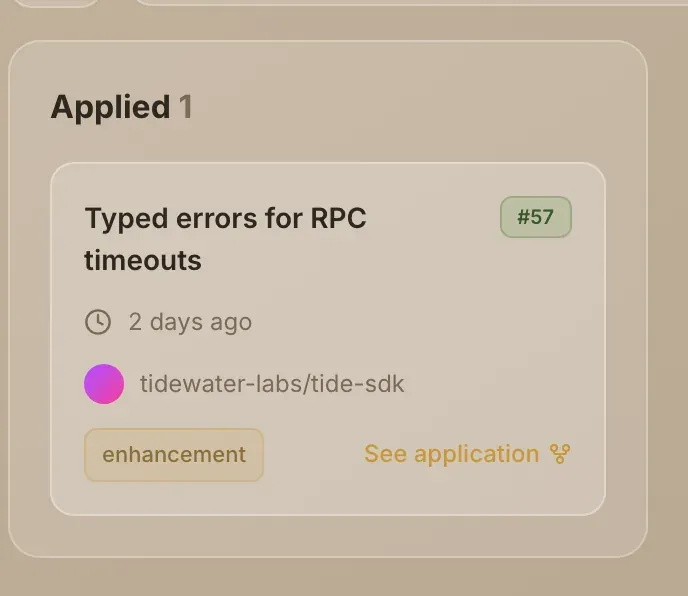
Your application sits under Applied on your Contributors tab, and you'll have a notification saying You applied to issue with its number. It tells you the application is with the maintainer and that you can withdraw it any time before they decide.
There's no deadline for a decision. Nothing makes a maintainer answer by a set time. In the meantime you can apply for other issues.
What can happen
| Outcome | On GitHub | Notification | On your Contributors tab |
|---|---|---|---|
| Assigned | You're added as the issue's assignee, and Grainlify's GitHub App posts a comment congratulating you | You've been assigned to issue with its number | Moves to Assigned issue |
| Not accepted | Grainlify's GitHub App posts a comment saying your application wasn't accepted | Application not accepted for issue with its number | Leaves the board |
| Unassigned after being assigned | You're removed as assignee, and Grainlify's GitHub App posts a comment saying so | None | Goes back to Applied |
| Withdrawn by you | Your application comment is deleted | None | Leaves the board |
Notifications arrive in the bell at the top of the dashboard, unless you've turned that type off. See Notifications.
Assigned
The issue is yours to work on. The comment on GitHub asks you to leave the maintainers enough time to review your work, and to link your pull request to the issue so it's tracked. The notification opens the issue on Grainlify.
Other people can't apply while you're assigned: the issue page tells them it's already assigned.
Next: Open your PR and get it merged.
Not accepted
The maintainer chose not to assign you this time. The notification says so, adds that the issue may still be open, and that applying for other issues doesn't count against you. It opens the issue, in case you want to follow what happens next.
Your application comment stays on the GitHub issue. The Contributors tab doesn't list refusals, so the board only shows work that's still live.
Unassigned
A maintainer can remove an assignee, for example if work has stalled. The comment on GitHub says you've been unassigned and that the maintainer may assign another contributor. Grainlify doesn't send a notification for this, so the comment on GitHub is where you'll see it.
Your application goes back to Applied. The issue is open to applications again, from you or anyone else.
If you can't finish an issue you've been assigned, say so on the GitHub issue so the maintainer can unassign you and pass it on.
Withdrawn
Withdrawing is your choice, from the issue page. It deletes your comment from GitHub and nobody is notified. You can apply again later while the issue is open and unassigned. See Withdraw an application.